
Overview
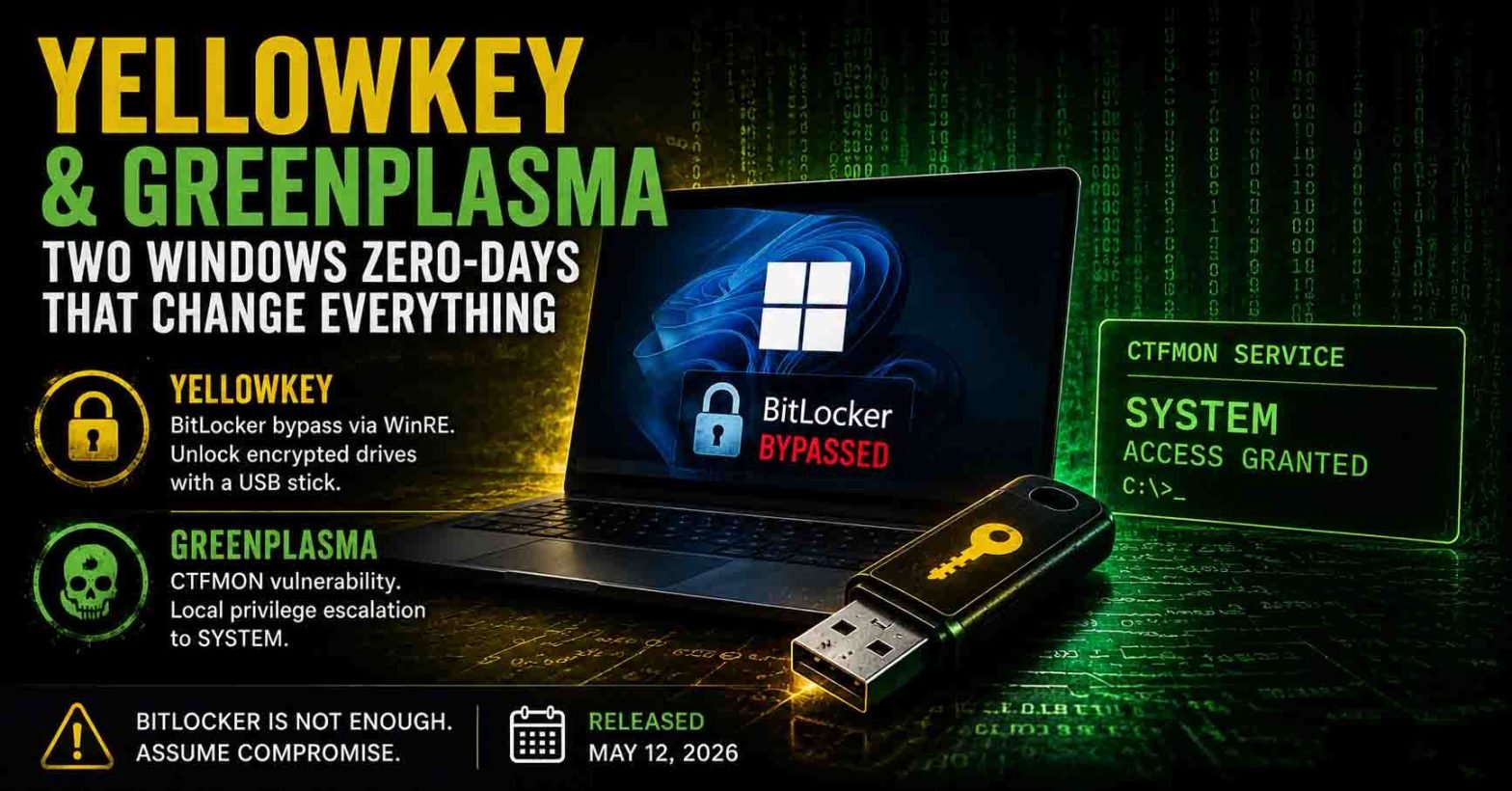
On May 12, 2026, a security researcher operating under the handles “Chaotic Eclipse” and “Nightmare-Eclipse” dropped two unpatched Windows zero-days on GitHub. The first, YellowKey, bypasses BitLocker drive encryption entirely on Windows 11, Windows Server 2022, and Windows Server 2025 using nothing more than a USB stick and a key press during boot. The second, GreenPlasma, is a local privilege escalation against the CTFMON service that hands attackers SYSTEM on the same platforms. Windows 10 is not affected. Microsoft has not assigned CVEs, acknowledged either flaw, or shipped a patch. Independent researchers, including Will Dormann and Kevin Beaumont, have reproduced YellowKey on current Windows 11 builds. This is the third wave of zero-days from the same researcher, who has framed the releases as retaliation for what they describe as Microsoft’s mishandling of prior disclosures, and who has promised “a big surprise” for the June 2026 Patch Tuesday.
Assura held back its discussion of these zero-day vulnerabilities until the claims could be independently substantiated, and Assura could provide concrete guidance.
If you manage a fleet of Windows 11 laptops running default BitLocker (TPM-only mode), treat every lost or stolen device as if the drive were unencrypted. That is not hyperbole. The public proof of concept works.
What It Is: YellowKey (BitLocker Bypass)
YellowKey abuses how the Windows Recovery Environment (WinRE) replays NTFS transaction logs during recovery boot. The researcher discovered that a component inside the WinRE image processes a specially named directory, System Volume Information\FsTx, when it appears on attached storage. That component is present in normal Windows installations under the exact same name but without the triggering behavior, which is why the researcher describes the issue as a “(potential) backdoor.” Take that framing with appropriate skepticism. What is undisputed is the technical result.
The attack chain is short:
- Copy a crafted
FsTxfolder to a USB stick atX:\System Volume Information\FsTx\. NTFS is preferred. FAT32 and exFAT reportedly work. - Plug the USB stick into the target machine. Alternatively, pull the disk out and write the same structure directly to the EFI system partition, which defeats “no removable media” policies.
- Reboot into WinRE (hold Shift while clicking Restart, or interrupt the boot sequence a few times).
- Hold the Ctrl key during recovery. WinRE drops to a
cmd.exeshell with the BitLocker-protected volume already mounted and unlocked. - Mount and read the volume with
diskpart. The drive’s contents are exposed.
Will Dormann’s analysis pinpoints the actual primitive: Transactional NTFS bits on the USB drive can delete winpeshl.ini on another drive (the WinRE volume X:) when the transaction log is replayed. That deletion is what causes WinRE to spawn an unrestricted shell instead of the normal recovery menu. As Dormann noted on Mastodon, the cross-volume modification primitive is arguably the more interesting bug here.
The public PoC works against TPM-only BitLocker, which is the default on most Windows 11 business and consumer machines because it preserves transparent boot. TPM+PIN currently blocks the released exploit, because the TPM will not release the key without the user-entered PIN before WinRE loads. The researcher claims a separate variant defeats TPM+PIN as well, but has declined to publish it. That claim is unverified at the time this was written.
What It Is: GreenPlasma (CTFMON SYSTEM Elevation)
GreenPlasma targets the Windows CTFMON service. It allows an unprivileged user to create arbitrary memory section objects inside directory objects that are writable by SYSTEM. Because several Windows services and kernel-mode drivers implicitly trust those paths (a standard user should not be able to write there), an attacker can influence those sections to manipulate privileged components and elevate to SYSTEM. The released PoC is intentionally incomplete. The researcher stripped out the final code needed to land a full SYSTEM shell, calling it a challenge for the community. The primitive is published, and a working weaponization is a matter of time and effort.
Why It’s Dangerous
- BitLocker is the assumed last line of defense for lost or stolen laptops. Disk-at-rest encryption is the control most organizations rely on for incident response on missing endpoints. YellowKey removes that control on default-configured Windows 11 fleets.
- Physical access is not exotic. Evil-maid scenarios, hotel-room theft, conference grab-and-run, malicious insiders, and unattended kiosks all fit the threat model. For a distributed workforce, this is a regular occurrence.
- The technique is recipe-grade. No exploit development skill is required. Copy a folder, hold a key, get a shell.
- “No USB” policies are not sufficient. The exploit also works by writing files directly to the EFI system partition, which means an attacker who can briefly remove the drive has the same primitive.
- The patch path is harder than usual. The vulnerable code lives in the WinRE image, not the main OS. WinRE updates historically require separate servicing operations and have been a source of follow-on confusion (see CVE-2022-41099, where Microsoft ultimately shipped a PowerShell script to update WinRE images).
- GreenPlasma chains. Any commodity malware that gets initial code execution as a standard user can pair with a weaponized GreenPlasma to reach SYSTEM. Expect that weaponization soon.
Assura’s Recommendations
1. Enable TPM+PIN on all Windows 11 endpoints holding sensitive data. This is the single most impactful change you can make right now. It blocks the published YellowKey PoC outright. Treat it as mitigation, not immunity, given the researcher’s claim of a TPM+PIN variant.
Set the Group Policy:
Computer Configuration
  -> Administrative Templates
  -> Windows Components
  -> BitLocker Drive Encryption
  -> Operating System Drives
  -> Require additional authentication at startup
     [Enabled]
     Configure TPM startup PIN: Require startup PIN with TPM
Then add a PIN to existing protected drives and remove the TPM-only protector:
manage-bde -protectors -add C: -TPMAndPIN
manage-bde -protectors -delete C: -type tpm
manage-bde -status C:
2. Set a UEFI/BIOS administrator password and disable USB boot. This blocks the most convenient delivery vector. It does not block the EFI-partition variant if an attacker can open the chassis, but it raises the bar materially and stops opportunistic attacks.
3. Consider disabling WinRE on managed endpoints. If recovery is handled centrally through Intune Autopilot reset, MDM-driven reinstall, or re-imaging workflows, WinRE is largely vestigial on production devices. Disabling it removes the YellowKey attack surface entirely.
reagentc /info
reagentc /disable
Re-enable with reagentc /enable when needed. Document the recovery trade-off with your IT lead before pushing this fleet-wide.
4. Prohibit personnel from leaving laptops in unattended or insecure locations. Prohibit personnel from leaving laptops affected by YellowKey in vehicles or unattended at places such as coffee shops. Personnel on travel should place laptops in a hotel safe while out of their room.
5. Refresh your lost-device playbook. Until Microsoft ships a fix, a missing Windows 11 laptop in its default configuration equals a data exposure event. Treat it as one. Reset credentials, revoke tokens, and notify affected parties as your policy requires.
6. Inventory your TPM-only fleet. Identify which devices are running TPM-only BitLocker to determine your exposure scope.
Get-BitLockerVolume | Select-Object MountPoint, ProtectionStatus, KeyProtector
7. Audit physical security for high-value endpoints. Executive laptops, finance workstations, and devices holding regulated data. These move to the top of the TPM+PIN rollout list.
8. For GreenPlasma, enforce least privilege and tighten EDR posture. The exploit requires an attacker to already have code execution as a standard user. Prompt detection and containment of initial access is what blocks the chain. Ensure tamper protection is enabled, and that EDR is both present and healthy on every endpoint.
Detection Signals
- Unexpected boots into WinRE, especially on devices that have no support ticket history. WinRE boots are visible in Event ID 1 from
Microsoft-Windows-Kernel-Bootand via boot configuration logs. - USB mass-storage insertions on locked or recently restarted endpoints. Correlate with WinRE boot events on the same host within a short window.
- Creation of
System Volume Information\FsTx\directory trees on removable media seen by EDR file telemetry. The presence of anFsTxfolder on a USB device is not normal user activity. - Modifications to
X:\Windows\System32\winpeshl.inioutside of an authorized servicing window. This is the file the exploit deletes to spawn the shell. - For GreenPlasma, abnormal section object creation by non-SYSTEM processes in privileged directory objects. Anomalous
ctfmon.exebehavior on endpoints where the user is unprivileged warrants a look. - Unexpected use of
diskpart,manage-bde, or BitLocker tools from a recovery shell context.
What Assura Is Doing for Our Clients
While this requires a risk-based decision by organizations that use BitLocker, remember that the exploit can only be executed if an attacker has physical access to the device. Our SOC is tuning detections across our stack for the indicators above. For managed clients, we’re reviewing BitLocker configuration and will share recommendations on your next scheduled call. However, if you need us sooner, reach out to our Engagement Management team!
If you aren’t an Assura client, feel free to contact us via the form on our website. We want to be a resource to help the community address this exposure.
We’ll continue to release updates as the situation evolves.
References
- Nightmare-Eclipse/YellowKey GitHub repository (PoC and README)
- BleepingComputer: Windows BitLocker zero-day gives access to protected drives, PoC released
- The Hacker News: Windows Zero-Days Expose BitLocker Bypasses And CTFMON Privilege Escalation
- Cybernews: Disgruntled researcher strikes Microsoft again
- The Register: Disgruntled researcher releases two more Microsoft zero-days
- Will Dormann’s reproduction notes (Mastodon) and Kevin Beaumont’s confirmation (X)
- Microsoft Learn: BitLocker Group Policy reference and WinRE servicing guidance
- Historical precedent: CVE-2022-41099 (prior WinRE-based BitLocker bypass, KB5025175)